Why Do Automation Projects Fail So Often?
Why do automation projects fail? Learn the operational causes behind stalled builds, poor adoption, and missed ROI - and how to prevent them up front.
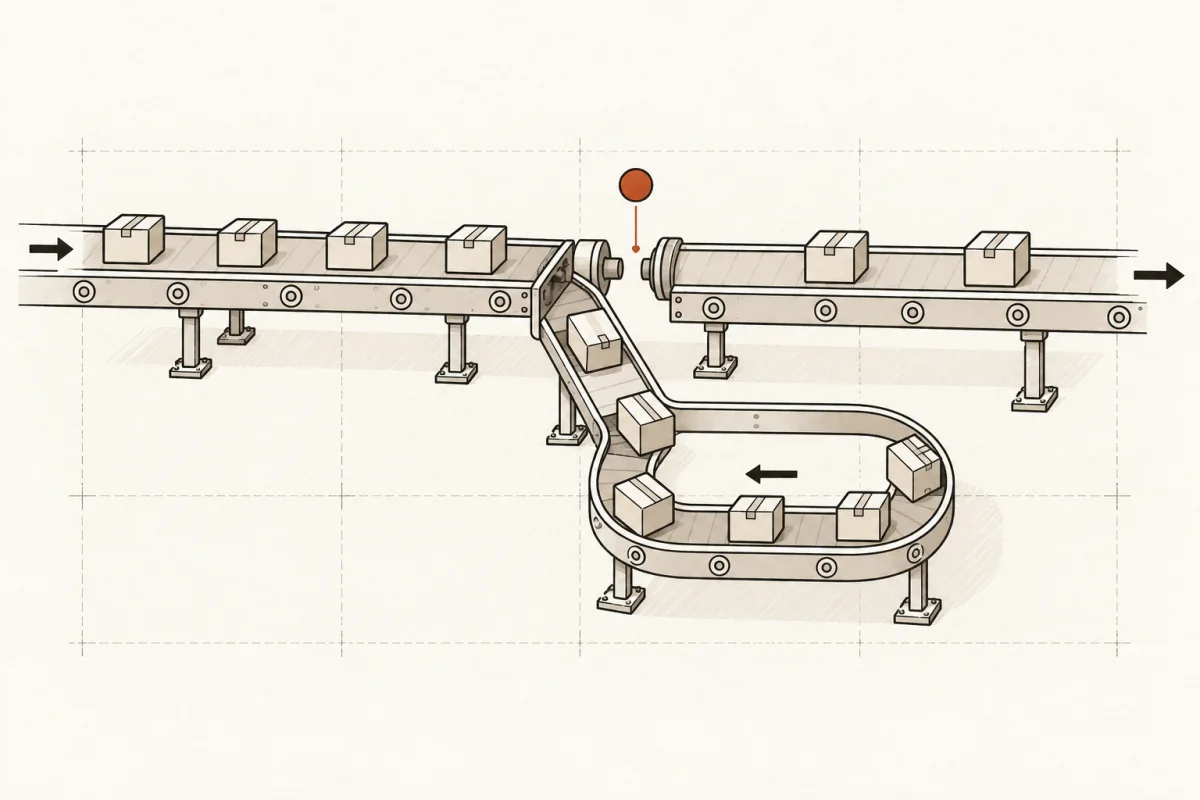
A workflow can look painfully obvious from the outside: capture the lead, update the CRM, generate the proposal, route it for approval. Yet that same workflow may contain ten exceptions known only by the people doing it every day. That is why do automation projects fail is not really a software question. It is an operations question.
The expensive failure is not a project that breaks on day one. It is the project that launches, gets a quick demo, and then quietly becomes another unused tab. The owner has spent money, the team still copies and pastes, and nobody can point to a measurable return.
Automation works when it is treated as business infrastructure. It needs a defined job, clean inputs, clear ownership, and a way to handle the cases that do not fit the rule. Miss one of those, and the technology is usually blamed for a management problem.
Why Do Automation Projects Fail in Real Operations?
Most failures come from scope, process, data, adoption, or accountability. These are connected. A vague goal produces a vague build. A vague build forces the team to improvise. Improvisation creates unreliable data and inconsistent use. Then leadership sees poor results and concludes that automation does not work.
The fix is not to buy a different platform. It is to make the operating conditions explicit before the build begins.
1. The project automates a broken process
Many businesses start with the request, “Can we automate this?” The better question is, “Should this process exist in its current form?”
Consider a sales follow-up workflow. If leads arrive from three forms, two inboxes, a phone system, and a spreadsheet, an automation can move that confusion faster. It cannot decide which source is the record of truth, who owns a lead, or how long the business considers a lead active. Those decisions come first.
Before automating, document the current workflow from trigger to completed outcome. Identify the handoffs, required information, approval points, exceptions, and the person responsible at each step. Do not map an idealized process. Map what staff actually do on a busy Tuesday.
Sometimes the answer is to simplify the process before building anything. That can reduce the implementation cost and produce a better result than adding AI to a maze of manual workarounds.
2. The scope is too broad to prove value
“Automate the back office” is not a project scope. Neither is “use AI for customer service.” These phrases describe ambitions, not work that can be built, tested, and measured.
Broad programs fail because they carry too many unknowns. Teams debate tools, departments compete for priority, and requirements expand each time someone sees a new capability. Six months later, the business has a collection of demos and no production system.
A better starting point is one high-cost workflow with a visible baseline. For example: reduce proposal preparation time from four hours to one, route new web leads within five minutes, or reconcile a defined class of invoices without rekeying data. The project should state what is included, what is excluded, and what happens when the system encounters an exception.
Narrow scope is not small thinking. It is how a business gets a working system into production, learns where the real constraints are, and earns the right to expand.
3. Nobody owns the decision rules
Automation needs rules, even when AI is involved. If a workflow drafts an estimate, someone must define approved pricing sources, discount limits, required disclosures, and the cases that require human review. If an agent summarizes a client record, someone must decide which data it may use and what it must never infer.
When those rules are left unresolved, the implementation team is forced to guess. That produces a system that may be technically functional but commercially unsafe. Staff then work around it because they do not trust the output.
The accountable owner should be a business operator with authority to make trade-offs, not only an IT contact or an outside consultant. That person does not need to write code. They do need to answer practical questions quickly: What counts as complete? Who can approve an exception? What should the system do when information is missing?
Human review is not a sign that the project failed. For legal work, healthcare, financial advice, pricing, hiring, and other judgment-heavy processes, it is often the correct control. The goal is to remove repetitive preparation work while keeping final judgment with the people accountable for it.
4. The data is scattered, inconsistent, or unavailable
AI and automation are only as useful as the information they can reliably access. Small and mid-size businesses often have customer details in a CRM, job status in field-service software, documents in shared drives, financial history in accounting software, and important context in individual inboxes.
That does not mean every system must be replaced. It means the build needs a clear data design. Define the source of truth for each important field. Decide what data moves between systems, when it moves, and how duplicate records are handled. Set permissions before connecting sensitive information.
A common mistake is treating data cleanup as an optional future phase. It is not always necessary to clean every old record, but the records used by the new workflow must meet a usable standard. If customer names, service types, and job stages are entered differently by every employee, routing and reporting will be unreliable from the start.
Security belongs in this conversation as well. A system that sends confidential client information into an unapproved model or third-party service is not a shortcut. It is an unmanaged risk. Good implementation defines data boundaries, access controls, retention rules, and an audit trail appropriate to the business.
5. Staff are asked to change behavior without a reason
A new automation changes work. It may remove a task, add a required field, change who receives a request, or make performance more visible. People will not adopt it simply because leadership announced a launch date.
The best adoption plan is practical. Involve the people who run the workflow while it is being designed. Let them test realistic cases, including bad inputs and urgent exceptions. Explain what the system does, what it does not do, and where they remain in control.
Training should happen inside the actual process, not as a one-time presentation full of screenshots. Give staff a short operating procedure, a named escalation path, and time to use the system with support nearby. Then measure usage. If only two people use a new workflow after thirty days, the issue is not solved because the integration technically exists.
There is a trade-off here. Requiring every employee to agree can stall a necessary change. Ignoring frontline knowledge creates a system that misses reality. The practical middle ground is clear leadership direction paired with structured feedback from the people doing the work.
6. Success is never measured against the old way
Automation projects are often approved based on promised efficiency and judged based on general impressions. That is how a business ends up debating whether a project “feels helpful” instead of determining whether it returned time, reduced errors, or increased revenue.
Set a baseline before implementation. Measure the volume of work, average handling time, error rate, response time, labor cost, and any revenue consequence that matters. Then define the target after launch. Not every improvement will appear immediately, but the business should know what evidence it expects to see.
For example, a lead-routing system can be measured by first-response time, assignment accuracy, and booked appointments. A document-preparation system can be measured by hours returned, revision rates, and percentage of work completed through the new process. A customer-support assistant can be measured by resolution time, escalation quality, and repeat-contact rate.
Usage is a leading indicator. Business value is the outcome. You need both. A widely used system that saves no meaningful time may need redesign. A theoretically valuable system that nobody uses has no value at all.
Build for Exceptions, Not Just the Demo
A demo usually shows the clean path: a complete form arrives, the client record matches, the requested service is standard, and the right person is available. Real operations are defined by the rest of the work.
What happens when a customer is already in the system under a different email address? When a document is missing a signature? When an order exceeds a pricing threshold? When an AI-generated answer has low confidence? These conditions should be designed into the workflow from the beginning.
A useful automation has a controlled failure mode. It flags the issue, preserves context, routes it to the right human, and records what happened. It does not silently invent an answer or leave a request buried in an inbox.
This is one reason Main & Machine starts with the highest-cost workflows rather than a generic AI wish list. The value is in defining the work, connecting the systems, and putting accountable controls around the output. The model is only one component.
What a Fundable Automation Project Looks Like
A project worth funding should be easy to inspect. It has a named workflow, a business owner, defined inputs and outputs, a written scope, and a launch condition. It also has a clear answer to the question: what will staff stop doing when this works?
The strongest projects usually begin where repetitive work is frequent, the rules are reasonably stable, and the cost of delay is visible. Lead intake, appointment follow-up, document assembly, job scheduling, status updates, invoice processing, and internal knowledge retrieval are common candidates. But suitability depends on the process, not the label.
Avoid projects built around novelty. If the business cannot explain the operational cost being removed, the data being used, and the person responsible for exceptions, it is not ready for implementation. It is still an idea.
A working automation should make an experienced employee more effective, not make responsibility disappear. Start with a defined problem, insist on production-grade controls, and measure the result where the business actually feels it: time, errors, response speed, margin, and customer experience.
Where this shows upWhat we actually build →